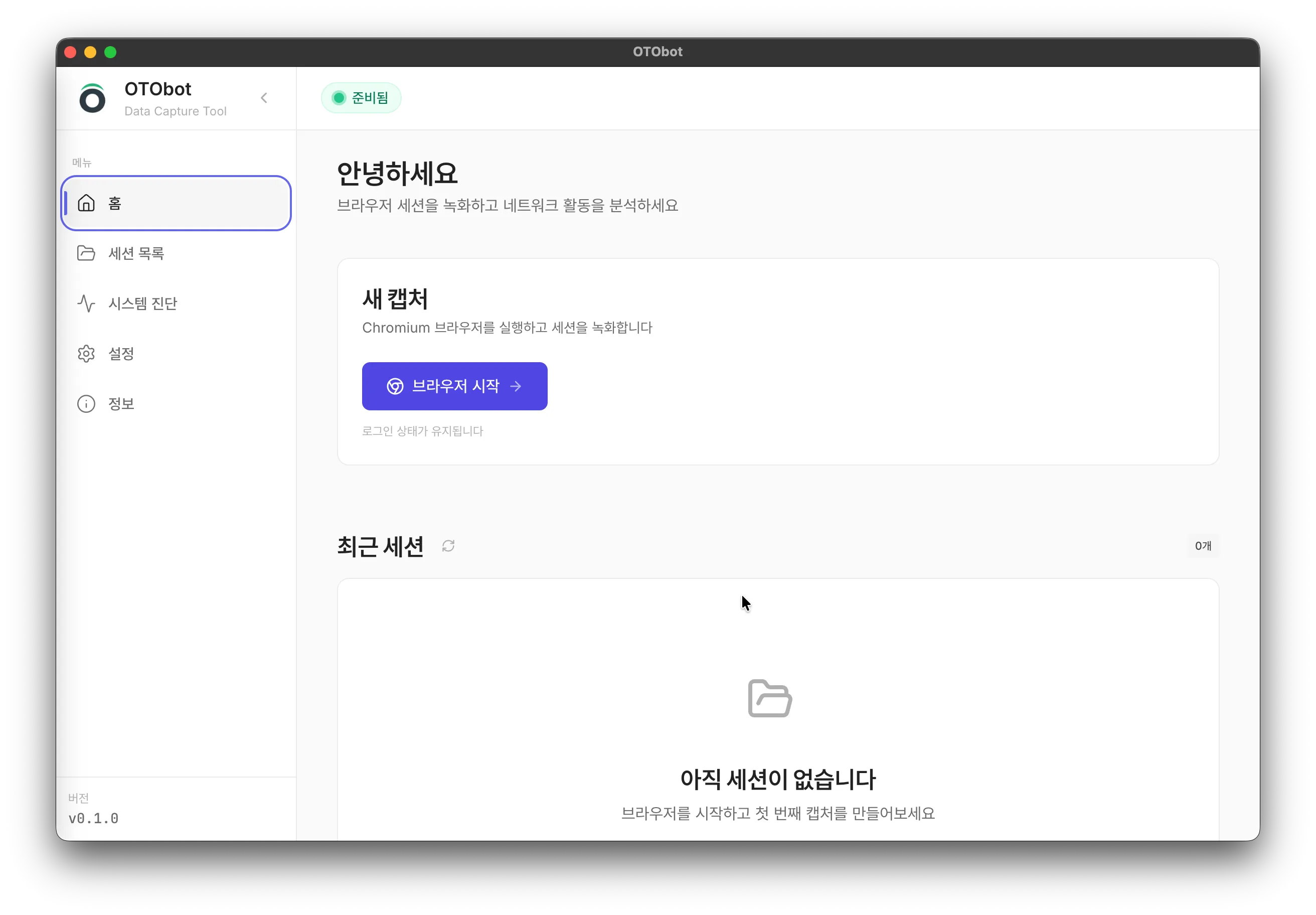
Fire up OTObot's built-in Chromium browser. Start working right away with zero setup required.
02
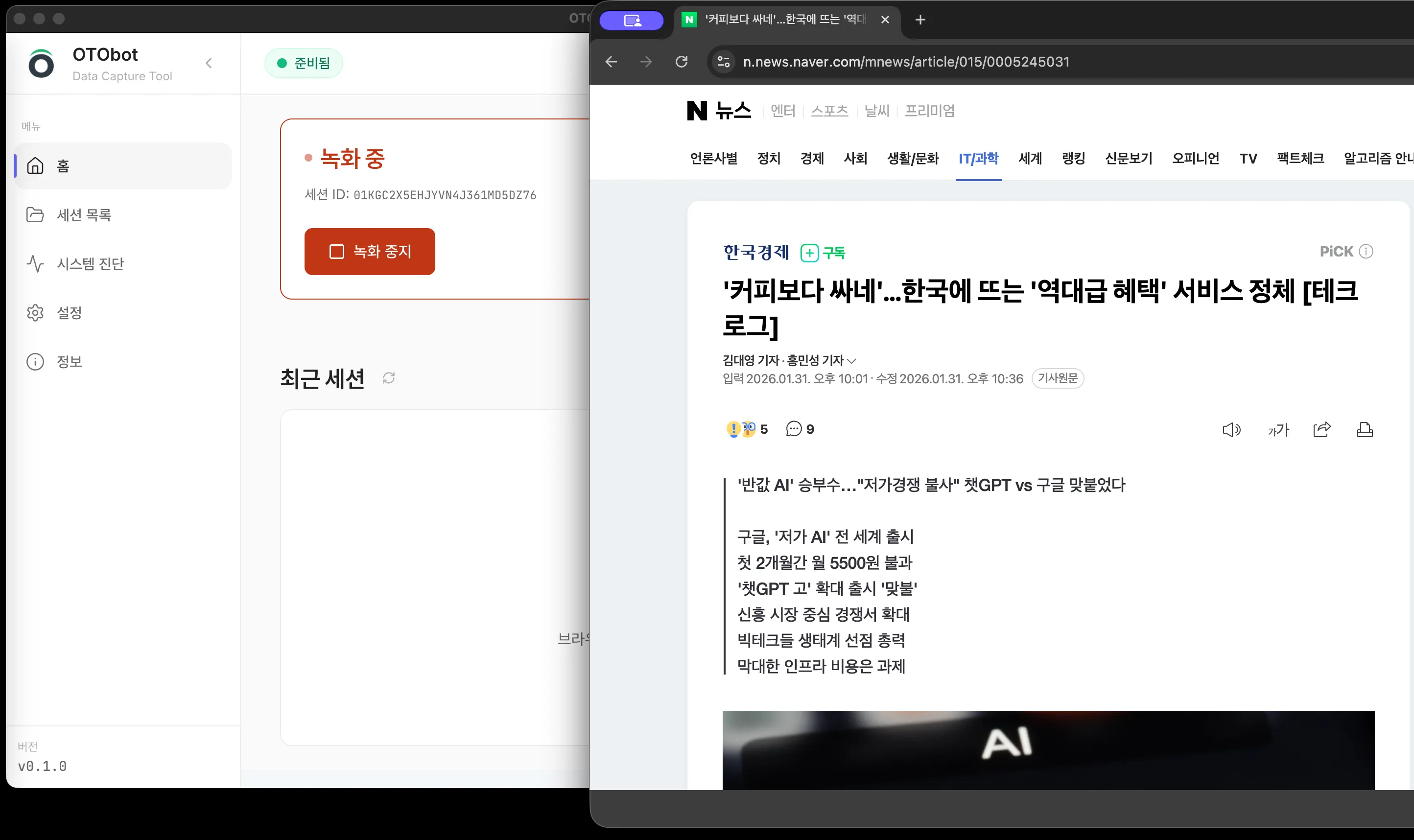
Record Screen
Every click, input, and navigation is captured automatically. Just work as you normally would.
03
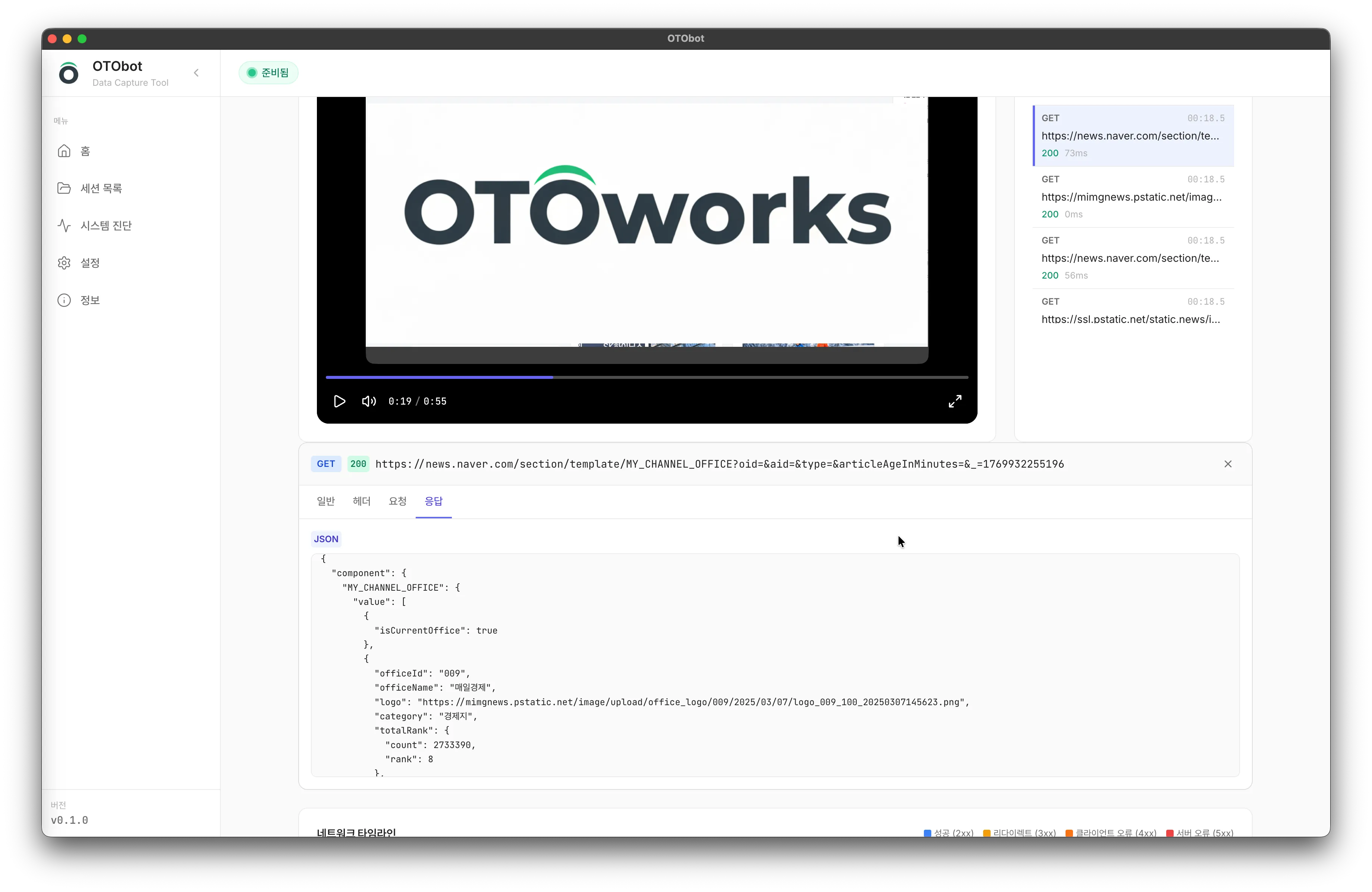
Analyze Data
AI analyzes the recorded video and network requests to identify workflow patterns and repetitive tasks.
04
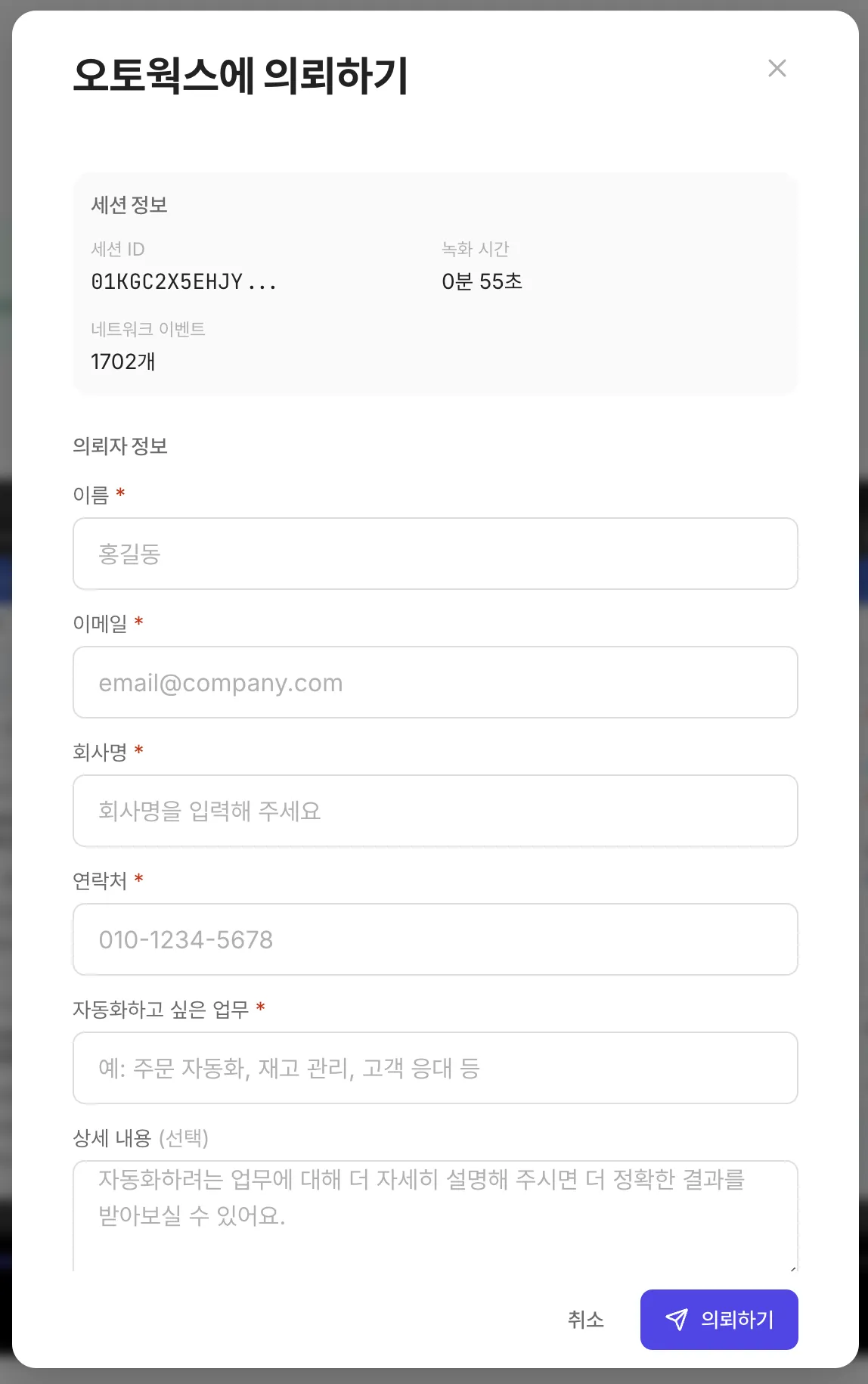
Request Automation
Submit your analyzed session data for automation. Our experts build a custom system tailored to your workflow.
We Automate These Tasks
The clicks, lookups, and data entry you repeat every day?
We turn those into systems that run on their own.
Complex Web Lookups
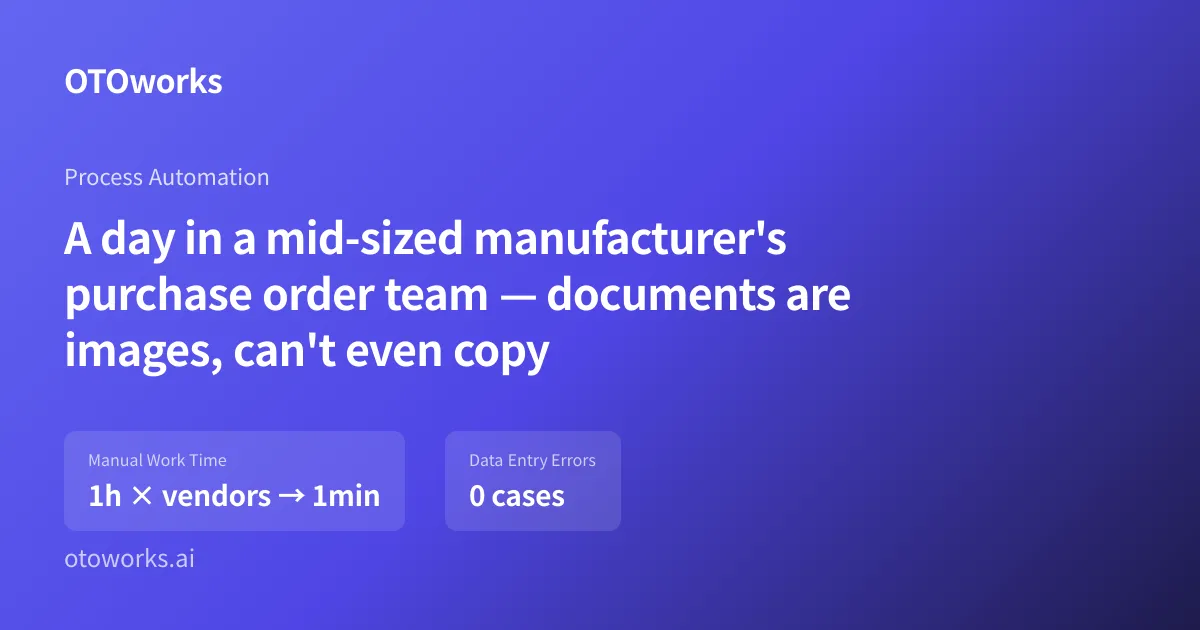
50 clicks down to 1 query. We automated welfare beneficiary checks that took 15 minutes per case to 10 seconds. The same approach works for purchase order processing from groupware (vendor lookups cut from 1 hour to 1 minute with multimodal AI) and government portal data pulls.
E-commerce Lowest Price Management
Checking competitor prices across multiple platforms, every day, for 200+ products. That used to take 10 hours. Now it runs on its own.
Complex Business Rules Automation
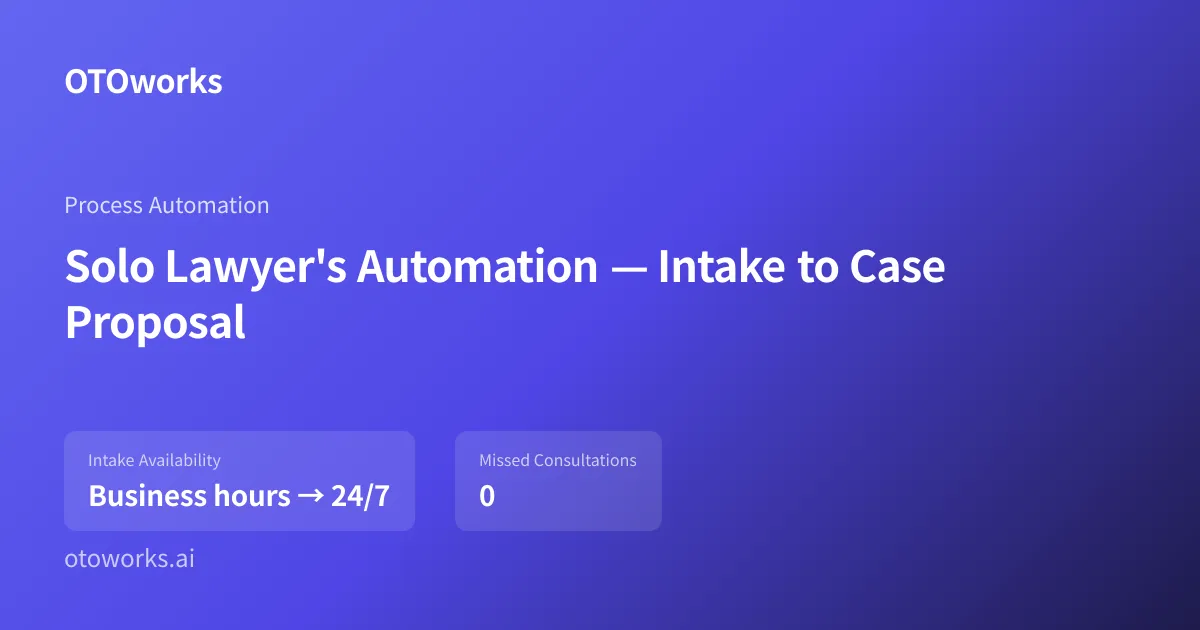
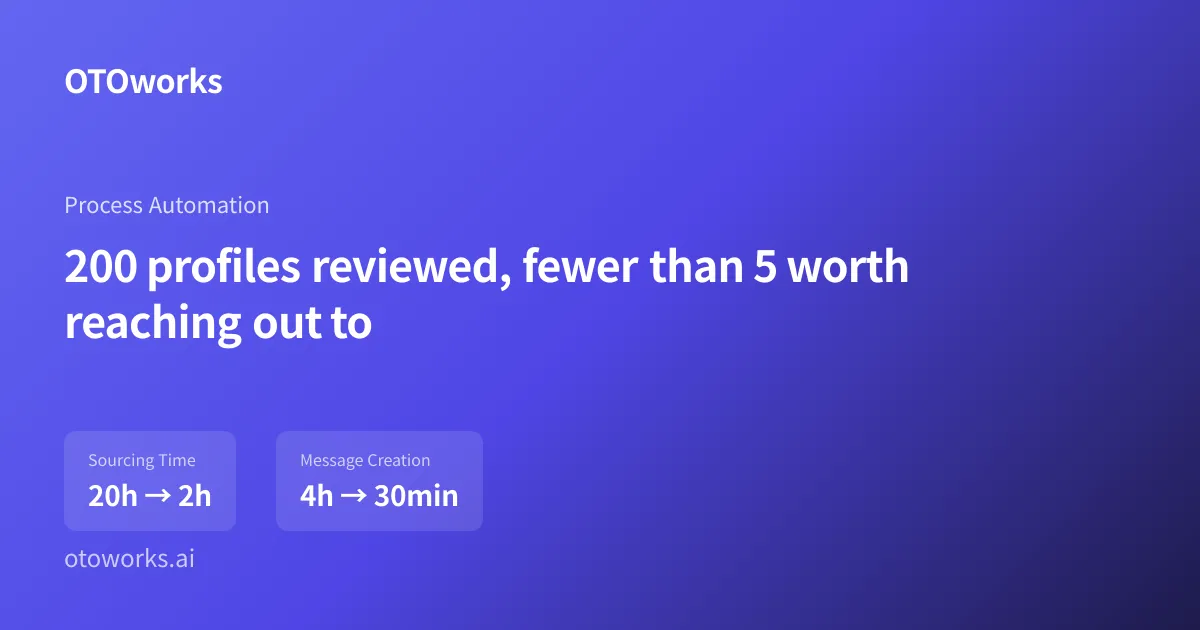
Discount rates, tariffs, price floors, candidate scoring rules. We turn these into code. One client's AI headhunter cut sourcing from 20 hours to 2 hours with automated candidate evaluation. Another client's document classifier hit 98% accuracy using a hybrid AI-plus-rules engine, sorting 12 hours of work in 7 minutes.
24/7 Automated Execution & Monitoring
Your system runs while you sleep. One monitoring setup tracks hundreds of sites with 0% message loss using Kafka-based queuing. Weekends, holidays, 3am, it does not stop. Every action is logged.
Real Client Success Stories
See how OTOworks transformed businesses with automation
Our team visits your office. Using OTO BOT, our multimodal analysis tool, we observe your actual workflows and find the hidden rules behind them.
02
Process Design
You know the domain. We know automation. Together at the whiteboard, we map out your business logic and work through technical constraints one by one.
03
Execute, Monitor, Improve
Launch is not the end. We monitor around-the-clock operation and keep improving as your needs change.
What We've Actually Delivered
Real numbers from real clients
10h → 0h
Price Management Work
50x → 1x
Welfare Lookup
100%
Error Prevention
Cost 70%↓
Cost Reduction
100+
Success Cases
Automation has a new direction
OTOworks' Vision
Half of traditional RPA projects never hit their ROI targets (Gartner). Top-down was the problem.
AI flipped it. Start from the one task that's killing your team, and see returns in weeks.
Bottom-up Automation
Not big systems. The one task frustrating you most, automated first. Then we expand upward from there.
Multimodal AI
Reads images, classifies documents, learns your judgment calls. Months of development, shipped in weeks.
Any Scale
One instructor's exam downloads to 100+ site monitoring for a global platform. Small or large, we build it.
Frequently Asked Questions
Learn more about business automation
How long does it take to implement automation?
It depends on the project scope, but typically it takes 1-2 weeks for analysis, 2-4 weeks for development and testing, so about 3-6 weeks total for the first automation to go live. Simple repetitive tasks can be automated within 1-2 weeks.
What types of tasks can be automated?
Most rule-based repetitive tasks can be automated: web operations (data collection, form filling), Excel and document processing, data integration between systems, email and notification sending, and automated report generation. We also handle extracting data from image-based documents (purchase orders), KakaoTalk-based internal chatbots (AI chatbot), and AI-powered candidate evaluation (AI headhunter).
How is the cost determined?
Pricing varies based on task complexity, number of integrated systems, and data processing volume. We break projects into blocks that deliver immediate efficiency gains, so small and mid-sized businesses can start without a heavy commitment. Most projects fall in the $7,000–$70,000 range. We provide a customized quote after analyzing your workflow through a free consultation.
Is it limited to specific industries?
Not at all. We have applied automation across e-commerce, welfare, education, logistics, finance, manufacturing, legal services, HR tech, reselling communities, and more. If you have repetitive tasks, automation can be implemented regardless of your industry.
Can it integrate with existing systems?
Yes. We can integrate with most systems including ERP, CRM, groupware, web-based systems, and API-enabled services. Even legacy systems without APIs can be integrated through screen automation.
How is data security ensured?
All automation systems operate within the client's infrastructure, and no data is transmitted to external servers. We comply with security standards including access control, activity logging, and encrypted communications.
What does the process look like once we start?
We start by sitting in on your actual operations to find where repetition happens. We map the process out as a flowchart, identify root causes, and figure out what to optimize. From there, we pull together the necessary data, build it into code, and apply it to part of the target workflow first. Rather than flipping everything at once, we validate through QA and expand gradually. After a final review, the system is fully handed off and internalized in your team.
Can I request automation for something simple?
Absolutely. An instructor asked us to automate downloading exam papers from a government education site. What took 30 minutes now takes 1 minute, and their colleagues started using it too. If it's repetitive, it's worth automating, no matter the scale.
We don't have IT experience. Is that OK?
No problem. We worked with a cosmetics e-commerce owner who had zero IT project experience. We visit your workspace, observe the actual tasks, and handle all the technical work. You just show us what you do every day.
That Daily Task You Keep Repeating?
We Can Automate It.
"Our work is too complex to automate."
Every client we work with said the same thing.
Then we sat down and looked at the actual workflow.